
































-
VRS

-
CaptionCall
-
Enterprise
-
Provider
-
Resources
-
Company


Sorenson Uses Cookies
Cookies are small text files websites send to your browser to remember information about your visit. They make our site work properly and help with security. When you allow cookies, you will have the best experience on our site — you can use tools such as chatbot for support and access other relevant products and services.

Language Accessibility for Meetings and Events: A Practical Guide
July 9, 2026
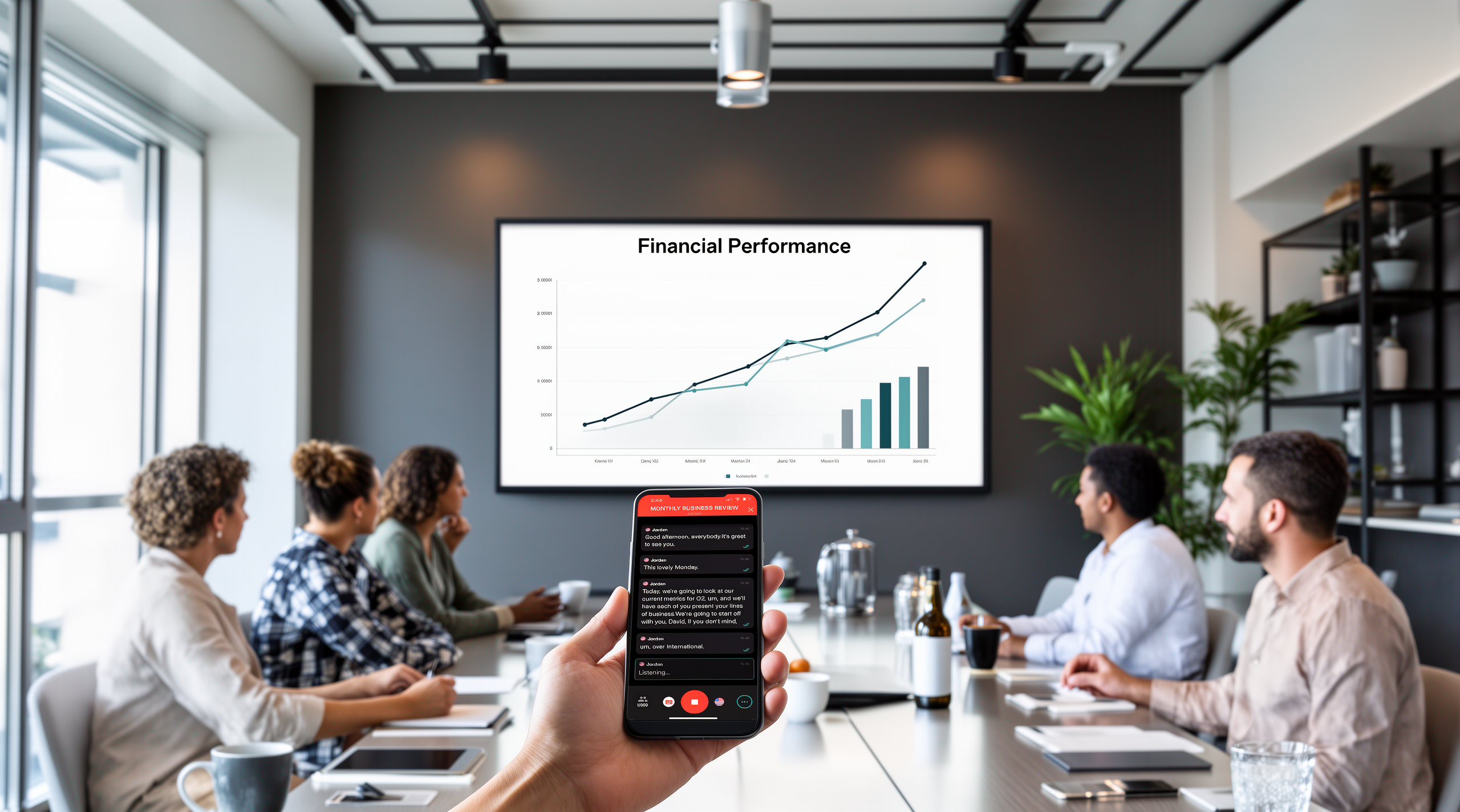
Most meetings aren't built for every participant to actually follow along. Language barriers can cost more than awkwardness. It can mean decisions made without everyone's input, slower follow-through, and details that quietly fall through the cracks.
Use the checklist below to plan language-accessible meetings and events that everyone can follow in real time, whether they need translation, captioning, or ASL support.
What language accessibility means
Language accessibility means giving every meeting or event participant real-time access to content in the format they use. It’s not a transcript sent days later or slides with notes added after the fact.
Language accessibility includes multilingual access through speech interpretation— human or AI speech translation, live captioning, and/or full transcripts.
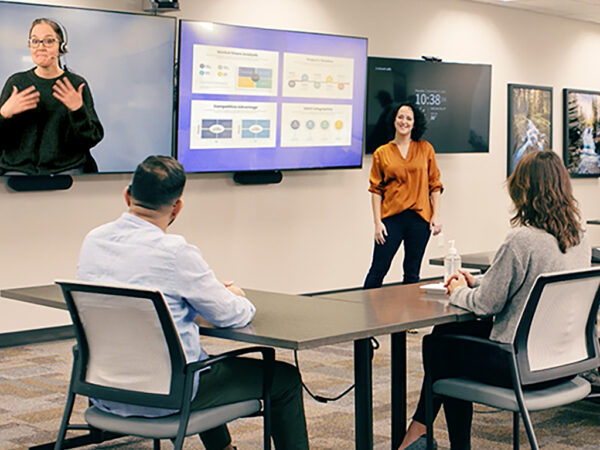
It also includes providing American Sign Language (ASL) interpreting and/or live captioning to Deaf/hard-of-hearing participants. For guidance, see our tips for how to work with an ASL interpreter.
What language-accessible meetings look like in practice
In a language-accessible meeting, every participant can follow along—without extra effort.
Attendees choose their language or accessibility options at registration, then get instructions for joining before the event starts.
From there, each participant engages on their own terms:
- Live translation in their preferred language
- Real-time captions
- ASL interpretation
Translation and interpretation stay in sync with the speaker, so participants can ask questions and contribute without lag.
Afterward, multilingual transcripts let teams revisit what was discussed.
The result: better participation, clearer communication, and more consistent outcomes—regardless of language or hearing status.
A language accessibility checklist
Use this checklist as a repeatable process to plan language-accessible meetings and events:
Before the event
- Identify language needs early. Ask during registration or survey participants in advance.
- Share materials in advance. Provide decks, scripts, and agendas to interpreters and translators.
- Identify required services. Select AI live translation, ASL interpreting, captioning, or a combination.
- Choose the right platform. Confirm your interpretation platform supports multiple language channels (translation, captioning, ASL, or a combination) and that it supports participant-level access so people can actually take part in the conversation, not just receive a one-way feed.
- Build buffer time into the agenda. Allow time for interpretation and translation.
- Prepare speakers. Brief them to speak clearly at a steady pace to improve AI translation accuracy and support interpreters.
- Optimize audio quality. Use proper microphones and test audio before the event.
- Set up terminology. Configure custom glossaries for industry-specific language.
- Set up Deaf and hard-of-hearing access. Schedule ASL interpreters and align them with the event flow. Confirm scheduling details with participants who require ASL support.
- Send clear access instructions. Show participants how to enable captions, translation, or interpretation.
- Test hybrid access paths. Validate both in-person (QR code) and remote (link) experiences.
During the event
- Maintain speaker pacing. Reinforce clear, consistent delivery.
- Monitor audio quality in real time. Fix issues immediately.
- Confirm accessibility tools are working. Verify translation, captioning, and interpretation are active.
- Support participants. Help attendees quickly find and use accessibility features.
After the event
- Deliver transcripts. Provide them in all relevant languages.
- Gather feedback. Ask about accessibility experience and identify gaps.
- Document learnings. Capture what worked and update your process for future events.
When AI live translation is the right fit – and when it isn’t
AI live translation works well for meetings, training, conferences, and events where broad comprehension is the goal.
Avoid it in situations where precision of every word matters such as legal proceedings or sensitive HR conversations. Use human interpreters when nuance matters.
For Deaf participants who communicate in ASL, human interpreting is the right fit for long or live meetings and events. AI Sign Language translation is actively being piloted and performs better in narrower scenarios like short, impromptu conversations, recorded training, and internal comms.
We go in greater depth in our “AI Translation vs Human Interpreters: When to Use Each” post.
A note on compliance
Accessibility laws vary by region. For example, the Americans with Disabilities Act (ADA), European Accessibility Act (EAA), Title VI of the Civil Rights Act (Title VI), and other similar regulations may apply. Check with your legal or HR team to understand what applies to you. This checklist does not provide a framework for compliance but rather addresses the operational side: the concrete steps that make a meeting or event language-accessible.
How to implement this in practice
Sorenson Forum handles multilingual translation, while our interpreting team supports ASL, so you can manage language accessibility through a single vendor.
If you’re building a language accessibility plan for your organization, try the free trial or talk to one of our accessibility experts.
FAQs
Q: What does 'language accessibility' mean for enterprise meetings?
A: Language accessibility means every participant can follow along and engage in a meeting or event in their preferred language or communication mode — in real time. For multilingual participants, this means live translation. For Deaf or hard-of-hearing participants, this means ASL interpreting or real-time captioning.
Q: Do I need a specialized platform for language-accessible meetings?
A: For multilingual access at scale, yes — a platform like Sorenson Forum delivers live AI translation and captions to each participant’s device without interpretation booths or equipment.
For ASL interpreting, a provider like Sorenson can schedule Video Remote Interpreters (VRI) or on-site interpreters who join your meeting directly through whatever video conference platform you’re already using.
Q: Why can’t I use captions for everything?
A: Captioning is a powerful tool, but it is not one-size-fits-all. You may have a blind participant who also speaks a different language. You may have people with limited reading proficiency. Your planning should include options for these situations.
Q: Does AI interpret sign language for meetings and events?
A: Not yet for live sustained meetings and events. AI Sign Language translation is actively being piloted and performs well for short, impromptu conversations, recorded training, and internal comms, but isn’t ready for long meeting settings like the ones this guide covers.
 Malala Alonso