






































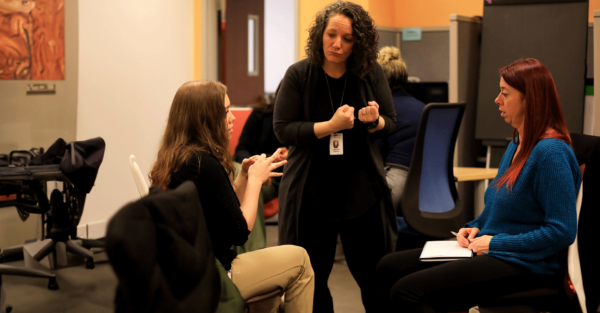


Live AI Speech Translation
Every Employee Follows the Meeting in Real Time
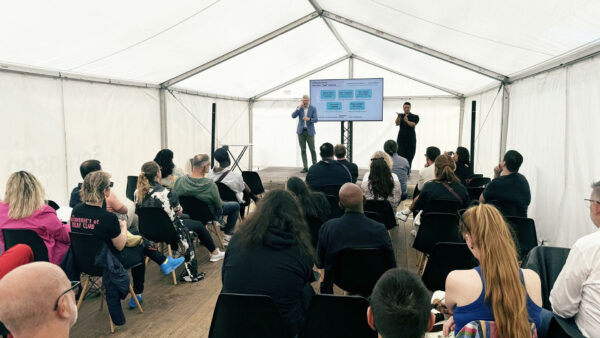
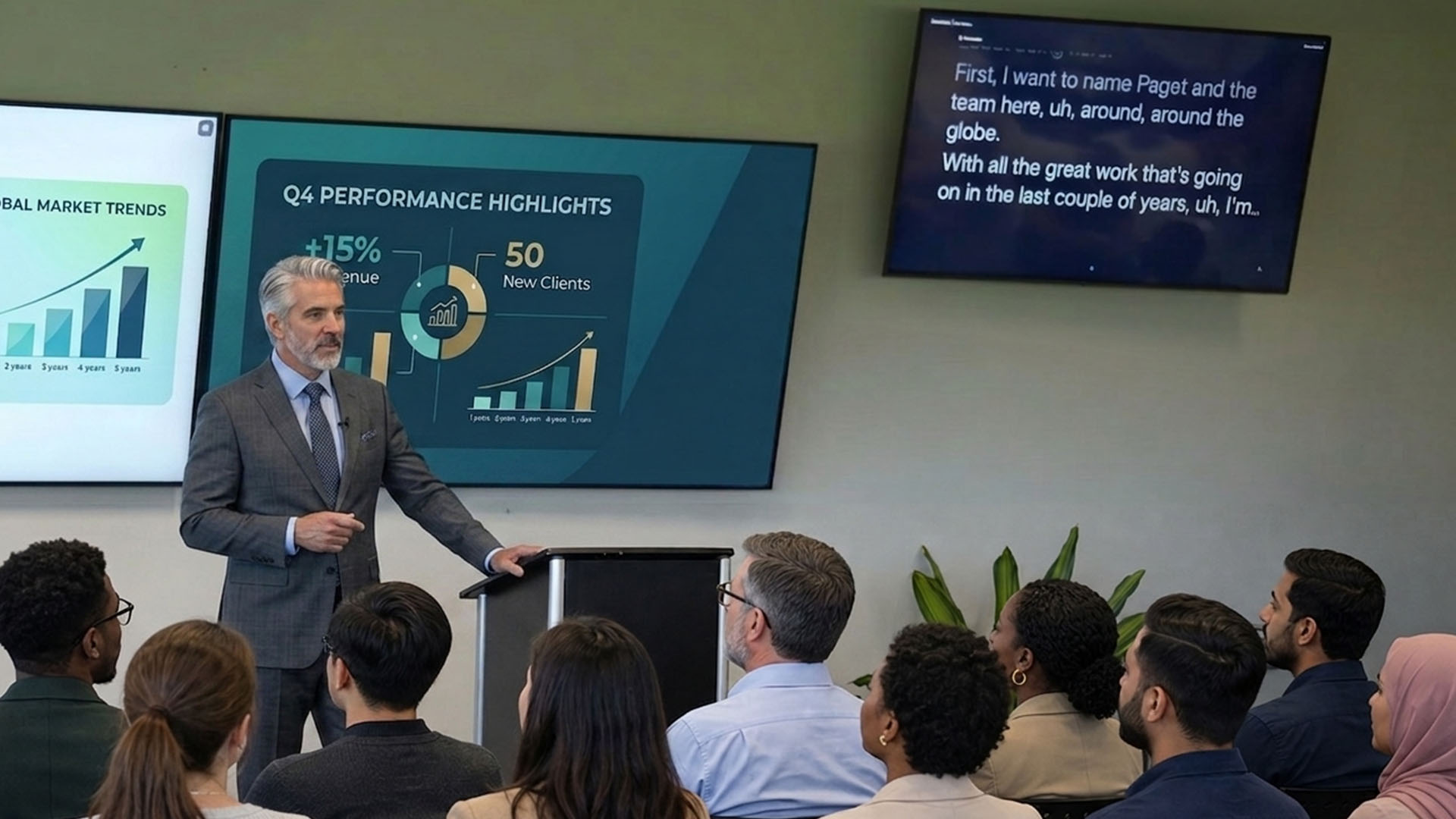
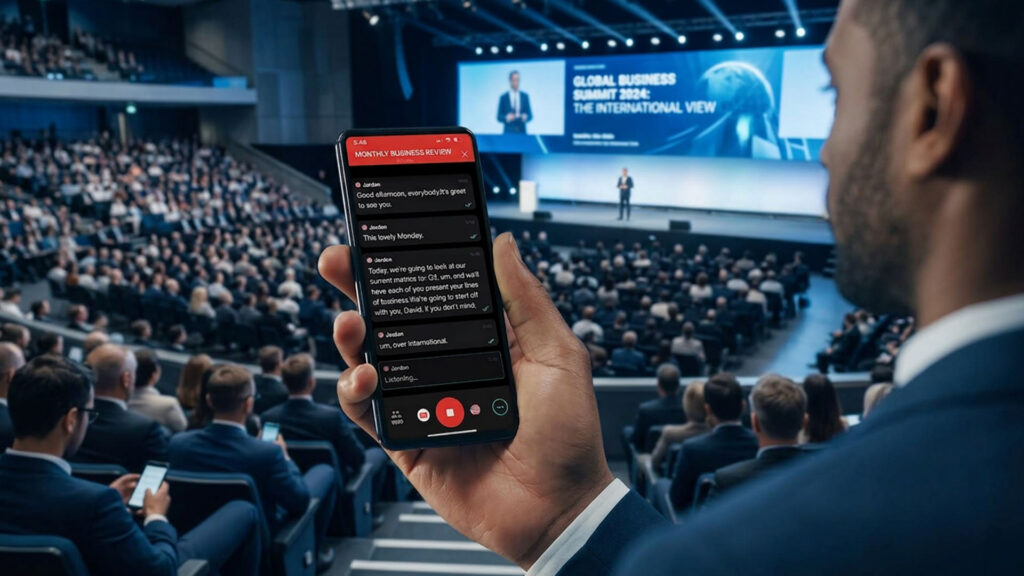
Sorenson Forum delivers live AI translation with audio and captions in 25+ languages to employees’ phones or laptops during large or small meetings.
No IT setup, interpreter scheduling, or per-language fees.
Where teams use Forum
From day one to every meeting after

All-hands meetings
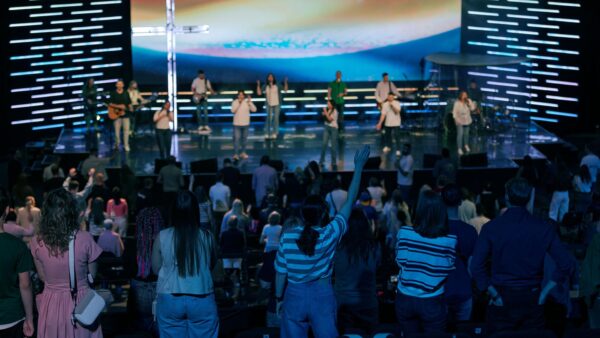
Everyone follows the meeting in real-time, in their language, on their device with live meeting translation. No separate sessions or recap emails needed for multilingual employees.
New hire onboarding
Give multilingual new hires the same onboarding experience from day one with live translation in their preferred language.
Manager and leadership communication
Make sure announcements, updates, and Q&A sessions reach every employee, not just English-speaking employees.
Employee programs and group meetings
Include everyone in employee affinity and resource groups, department meetings, and recurring programs in real time.
Hybrid and virtual events
Support in-person audiences, remote attendees, and hybrid combinations without configuration changes.
How Forum works
Set up in minutes, not weeks.
1
Create a Forum session before your meeting in minutes.
2
Share the QR code/session link with attendees
3
Attendees join from any browser, choose a language, and receive live captions and translated audio during the meeting.
Attendee experience
Give every attendee control over how they follow along
25+ languages and 45 dialects
Make every session accessible to multilingual attendees with simultaneous AI translation in text, audio, or both.
No app download for attendees
Attendees can join via browser link or QR code. Simple host setup.
Adjustable font size
Participants control caption size on personal devices to improve accessibility and readability.
Custom glossaries
Add speaker names, industry terms, and brand language to improve translation accuracy.
Post-event transcripts
Hosts receive full session transcripts in all languages used after the meeting.
Voice options
Participants choose the voice that’s easiest for them to follow.

Testimonials
See what customers say about Sorenson Forum
“Sorenson Forum’s real-time captioning worked well and received positive feedback from our attendees. The captioning helped them easily follow along with the speakers and content.”
Representative at International Hearing Society
“Attendees consistently praised the speed, accuracy, and overall quality of the captions. One attendee described them as ‘impressively real-time and incredibly accurate,’ reflecting the overwhelmingly positive feedback we received from both virtual and in-person participants.”
Carlos Gomez
HITEC
“Forum didn’t just reduce translation gaps—it changed what was possible. For the first time, we have a scalable, respectful, and accessible solution that fits the classroom.”
Christopher Thieme
Director of IT, Grayslake School District
Get hands-on experience before your next meeting
Whether you’re exploring language accessibility options for your company-wide meetings or smaller meetings and training sessions, try Sorenson Forum. Experience Forum live translation firsthand with our free trial or talk with a Sorenson specialist about your meeting and accessibility needs.

Support multilingual and Deaf access through one provider
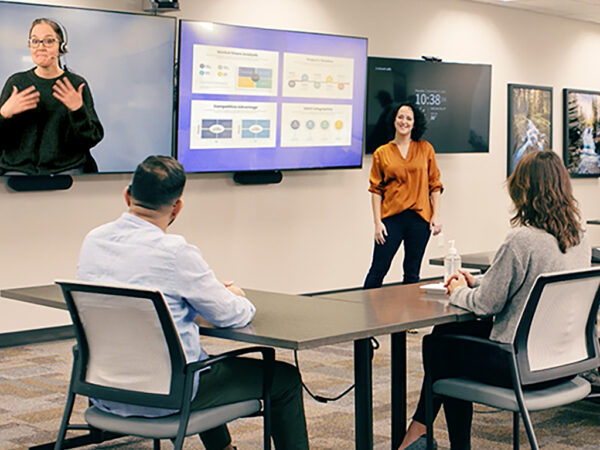
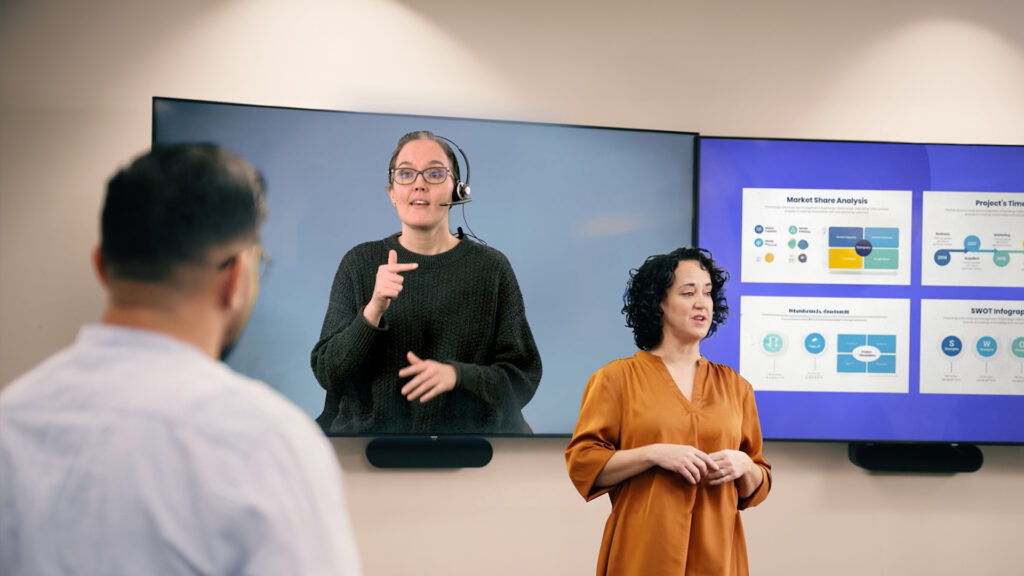
If your meeting needs ASL interpretation for Deaf or hard of hearing participants, Sorenson’s VRI and on-site interpreting services can coordinate alongside Forum.
FAQs
Does Sorenson Forum work for hybrid meetings where some employees are remote?
Yes. In-person attendees join via QR code displayed at the venue. Remote attendees join via session link and PIN. Both experiences provide simultaneous AI interpretation online. Hybrid events require no configuration changes.
Can Sorenson Forum handle large meetings?
Yes. Forum scales to sizes ranging from small group sessions to all-hands meetings with hundreds of attendees. All participants access the session simultaneously on their own phone or laptop.
Can Sorenson Forum support recurring weekly or monthly meetings?
Yes. Sessions are created on demand; no advance scheduling required. You can run Forum for a one-off town hall or a weekly team meeting.
What languages does Forum support for multilingual meetings?
Sorenson Forum supports real-time AI translation and captions in 25+ languages and 45 dialects.
Does our IT team need to set anything up?
No. Hosts create sessions from the Forum admin panel and attendees join with a QR code or link on any browser on any device without creating their own account.
What options are there for sharing Forum session access with participants and how do they access it?
Share access to your Forum session via QR code, PIN number, or URL link. Participants access the Forum session in one of three ways:
- Scan the QR code on their mobile device, no app needed
- Input the URL link in their browser and put in the PIN number
- Go to the Forum app and put in the PIN number
How does pricing work for live meeting translation?
Sorenson Forum is designed to support all available languages in a single session, so event teams do not need to schedule separate interpretation resources for each language. Start a free trial to test Forum with your team before your next event.
Make sure every audience understands
Explore live multilingual translation, captions, and audio designed to scale across meetings and events.
"*" indicates required fields
Complete the form and our team will contact you to answer questions and discuss how Sorenson Forum captioning and speech translation fits your needs.
Or reach us at [email protected].
