

















Recent Searches

How to Create an Accessible and Inclusive Work Environment: a Guide to Workplace Engagement

Woman in wheelchair and man with service dog sit at desk in conference room with two other coworkers in office conference room.

Creating an inclusive culture isn’t about checking boxes to cover different backgrounds and disabilities. It’s about broadening your company’s range of perspectives, experiences, and opinions. Diverse populations help you understand and respond better as a business. In fact, research shows that the relationship between variety in executive teams and the likelihood of financial outperformance has strengthened over time. More importantly, creating a culture of belonging demonstrates the important values that both current and prospective employees can identify with. Here’s how you can start cultivating an inclusive space at work.

Communicate company-wide about culture

To develop an inclusive workplace, your workforce needs to understand what that means. Rather than positioning an inclusive workforce as a challenge to meet, celebrate the perspective each person brings to your organization. Regularly communicate how everyone contributes to and benefits from different perspectives in the workplace.

Listen to underrepresented groups for an inclusive workplace

Surveys provide a safe way to gauge employee sentiments. However, consider taking that a step further and encourage Employee Resource Groups (ERGs). These groups are voluntary, employee-led outlets aiming to foster a sense of belonging at work. ERGs bring together employees who usually share a characteristic — such as gender, ethnicity, religious affiliation, lifestyle, or interest — with allies for personal or professional support.

Although ERGs are voluntary, employee-run organizations, they do need institutional support. Their creation requires buy-in from leaders at various levels. They are found in approximately 90% of Fortune 500 companies and address a range of employee concerns within an organization. They can help with:

  • Assisting marginalized groups and remote workers to connect through a common cause or interest
  • Facilitating conversations in a safe space where employees feel comfortable sharing experiences
  • Addressing specific topics or challenges with leaders to keep them informed about what’s top of mind for the group members
  • Improving physical work environments, like advocating for gender-neutral restrooms or physical, visual, or auditory accessibility in individual workspaces and communal areas
  • Identifying and developing emerging talent that might otherwise go overlooked due to unconscious bias

While ERGs can unify and amplify underrepresented groups within your business, they also give leaders insight into their thoughts about an inclusive workplace. Including them in company decisions and hiring processes will reinforce inclusive culture at work.

Offer plenty of resources

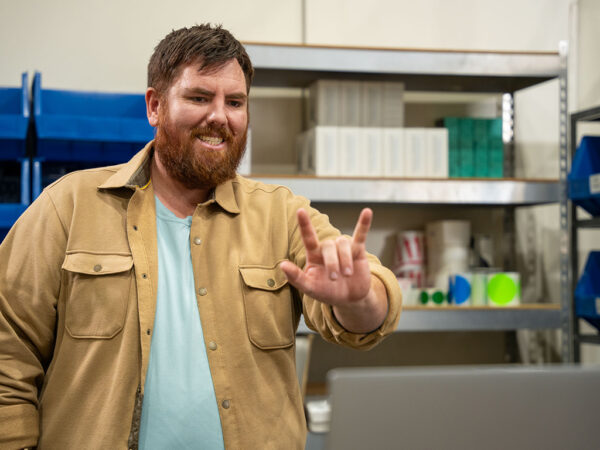
Woman smiles and signs thumbs up to open laptop.In addition to ERGs, there are multiple ways to engage employees in an inclusive workplace. For instance, your company newsletter can distribute DEIA educational. Additionally, your Employee Experience or HR team can host DEIA educational events or facilitate mentorship programs. Your company could also offer talent development programs for underrepresented employees or even individuals outside the company to cultivate diverse, emerging talent that may otherwise be difficult to reach. Think outside the box to promote diversity and inclusion in the workplace and in your community.


Create inclusive applications and interviews

Did you know Black and most other minority students are less likely to graduate with a college degree than white students? According to an article from InStride, of those over the age of 25, 68% of white Americans meet common educational job requirements compared to 39% of Hispanic Americans and 55% of Black Americans. To address this disparity, you might consider whether a bachelor’s degree is essential to an open position on your team. Removing unnecessary degree requirements is one way you can open the door to more diverse applicants. Focusing on hard and soft skills instead of education will widen your pool of job candidates to those who have had disproportionate access and means for higher education.

Finding a broad variety of people to fill open roles demands job descriptions that invite all qualified job-seekers. As clearly as possible, define job roles, responsibilities, and key competencies. Then, get outside feedback, ideally from an underrepresented group, before you post (this is a wonderful time to consult your ERGs!). Others might notice company jargon or implicit bias that would limit a potential candidate’s understanding or interest in the job.

Moreover, hiding all personal information from applications in your screening — including name, schools dates, and locations — removes potential sources of bias for your talent acquisition team. Then, managers and other decision-makers can short-list candidates for interview based on skills and experience alone.

Overall, consider what the application and interview process looks like for candidates with varying perspectives. What are potential obstacles? What would make prospective employees feel a sense of belonging? Do they need any accommodations? For example, making online applications accessible to someone who is Blind or low vision demonstrates a commitment to encouraging them as a candidate. Before interviews, remember to be open and ask about a candidate’s needs.

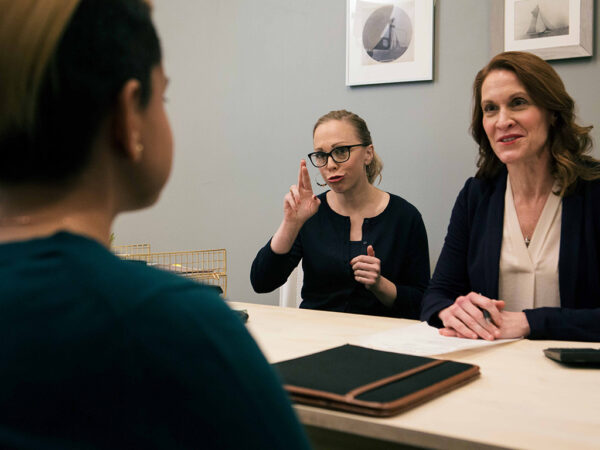
Another example of inclusive hiring practices would be asking about communication preferences and arranging for an interpreter for a Deaf candidate’s interview. These accommodations create an application and interview environment that allows candidates to present their best selves.

Get creative with diversity and inclusion in talent searches

Instead of giving up if it seems that people from diverse groups don’t apply to open roles, focus on how you might reach out to diverse populations more effectively. Besides recruitment websites, networking sites, and traditional publications, look at new and targeted ways you can advertise job openings.

  • Consider options like social media channels or specialty job fairs and boot camps.
  • Try networking at various schools and universities or membership associations.
  • Even stepping out into new geographical locations can yield a more diverse candidate crowd.

Foster an inclusive workplace through internal processes

For both new hires and long-time employees, it’s important to have a clear channel for expressing issues, suggestions, and requests. As we mentioned above, ERGs are an excellent resource for communicating employee needs, especially at a group level. However, for individual needs, each employee should know who they can go to for guidance and support.If an employee needs a wheelchair ramp to access the building, where do they take that request? If captioning would help a hard-of-hearing employee in meetings, who can they ask to provide that service? If a team member experiences a micro-aggression, do they speak to their direct supervisor or HR first? It can already be hard for an individual to speak up about their needs. It is even more difficult when they don’t know who to go to. Outlining a chain of communication during onboarding, in your employee handbook, and on your company intranet will empower your team and make them feel supported.

Getting more inclusive at work

Creating an inclusive workplace isn’t a one-person initiative. Remember to involve others and get diverse perspectives. Look beyond Human Resources. Convening with people from different departments brings more ideas and greater insight as a result. As your business grows and develops, keep accessibility at the forefront of decisions. Sorenson has a variety of resources to help you make your workplace more inclusive to Deaf and hard-of-hearing individuals.

Guide to Hiring a Deaf Employee

Two young people in conference room setting practice using sign language to communicate. Around them, other groups also use sign language.
Considering the estimated 38K deaf individuals in American workforce, it’s important for your business to take a look at how it supports deaf employment. Part of building an inclusive work environment is strengthening relationships with deaf employees and employees with hearing loss. But how can you support a deaf employee in their job function? The best thing you can do is educate yourself on hearing disabilities, resources, and workplace requirements and stay up-to-date on new developments in communication resources. Once you’ve become more knowledgeable about deaf employment, it’s easier than you might think to provide the reasonable accommodations for every employee to succeed.

Deaf employment opportunities

Once you’ve familiarized yourself with the different accommodation and communication options — more on that below — you may realize there are actually a lot of jobs in your organization that Deaf or hard-of-hearing (sometimes written as hard of hearing or HoH) people can do, and do well. At that point, it becomes less about how the candidate would even perform certain tasks such as talking on the phone and more about the basic job qualifications — do they have the education and skills that the job requires — and how they meet your other criteria such as passion, energy, and organizational fit. This opens up many more employment opportunities for Deaf and hard-of-hearing people than currently exist.

Learn about accommodations for deaf employees

Under the Americans with Disabilities Act (ADA), employers are responsible for providing reasonable accommodations to facilitate effective communications with people who are Deaf or hard of hearing. Moreover, it is against the law to turn down an applicant solely because they are deaf.

The potential in hiring a deaf employee includes tangible business outcomes.

Despite these statistics, deaf applicants still sometimes experience discrimination from employers who have misconceptions about hiring a deaf employee or misunderstand what the ADA requires. From 2008 to 2017, deaf people consistently had an employment rate over 20% lower than their hearing peers. Most commonly, organizations needlessly worry that providing accommodations for deaf employees will add costs that offset the benefits of a new hire. However, deaf workers and their employers can use a wide variety of ways to communicate, including options with no associated costs.

Know communication options for deaf employment

Making “reasonable accommodations” when hiring a deaf employee can range from providing a full-time sign language interpreter to simple adjustments in company culture. Oftentimes, you can use a combination of multiple solutions to support communication and effective work between deaf and hearing colleagues.

Using an interpreter

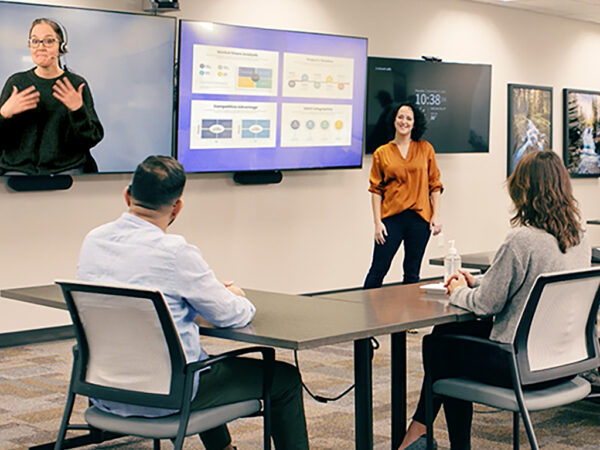
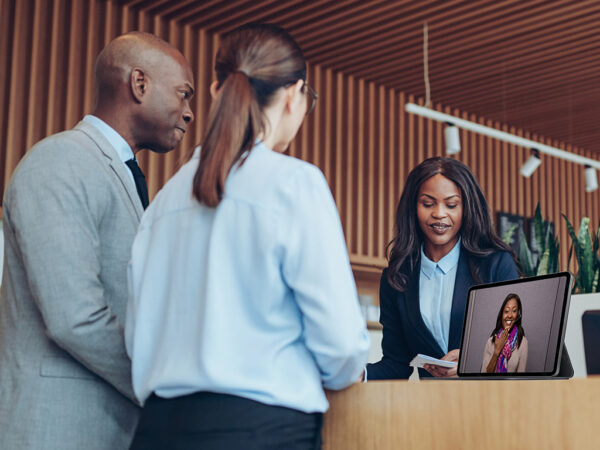
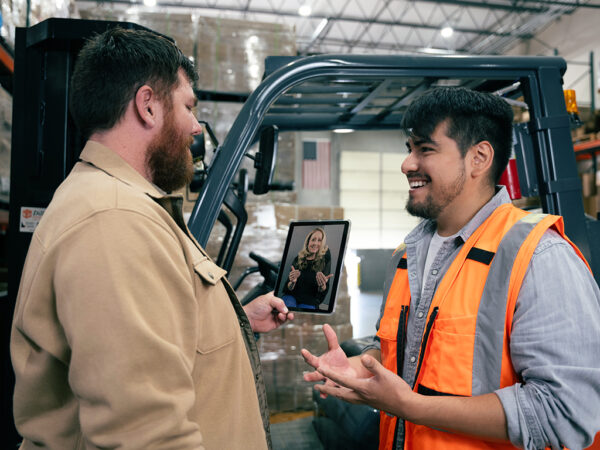
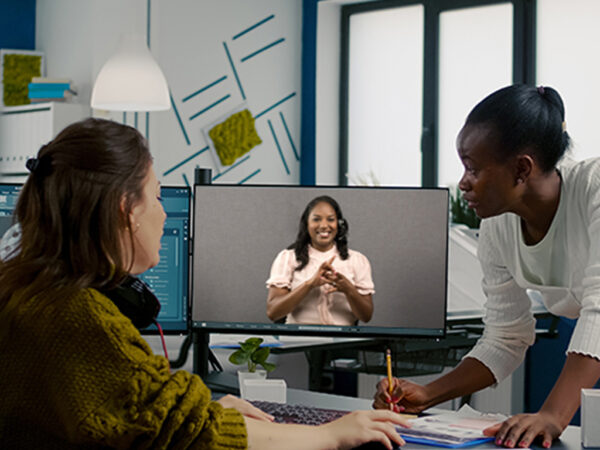
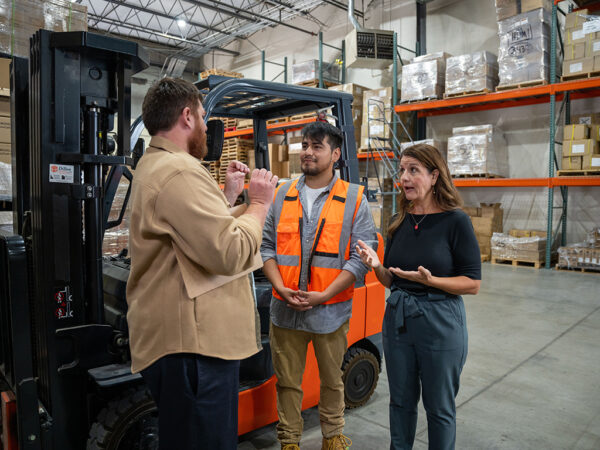
A sign language interpreter enables people who are deaf and hearing to understand each other by converting statements between spoken language and sign language. Interpreting is available in-person or remotely over video using convenient technology.

With organizations like Sorenson, you can schedule interpretation services in both English and Spanish for on-site interpreting or use Video Remote Interpreting (VRI) Services. Additionally, Sorenson Express: On-Demand Video Interpreting provides even more deaf employment support for impromptu discussions and scenarios that unexpectedly require a sign language interpreter.

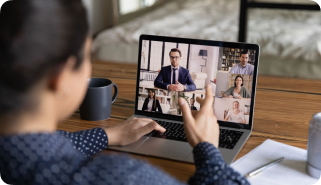
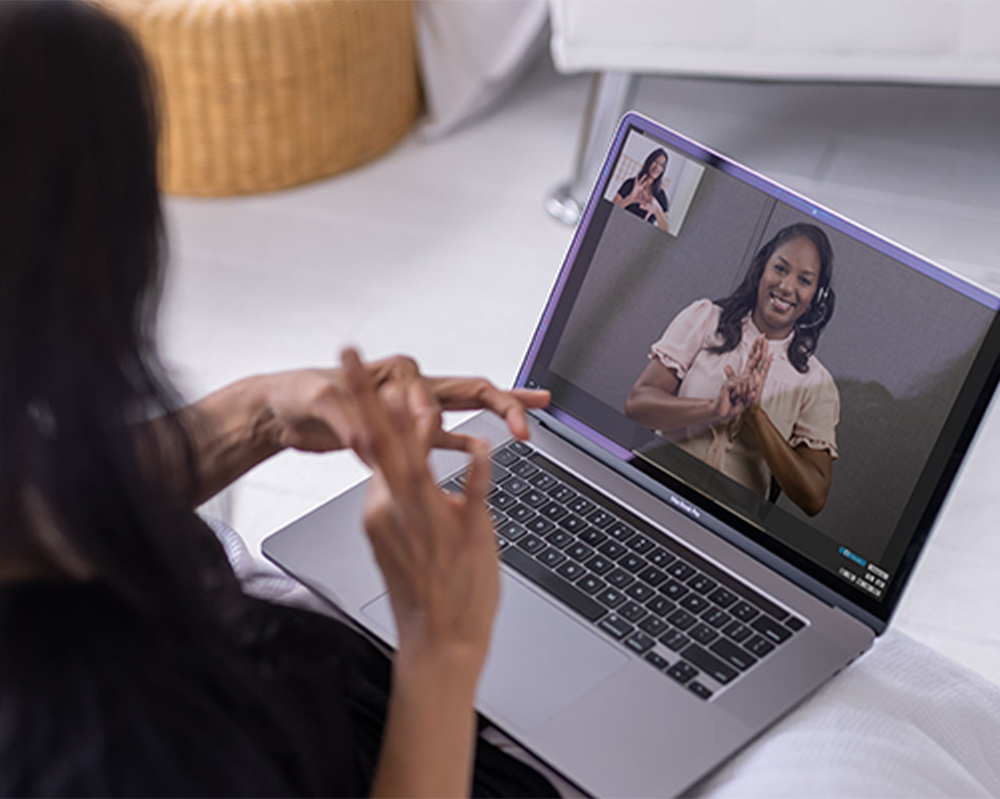
Woman communicates using sign language over laptop on video call with sign language interpreter.

If your business is remote-first, in addition to Sorenson Express for virtual meetings, your deaf employees may also use Sorenson VRS for Zoom. Your employee may already be registered with Sorenson’s Video Relay Service (VRS) for no-cost interpreted phone calls, but if not, you can obtain Sorenson Relay for them. The Sorenson for Zoom VRS integration is a first-of-its-kind product that enables a VRS user to invite highly skilled Sorenson sign language interpreters directly into Zoom calls so everyone can see meeting attendees and interpreters on one screen. A deaf employee can be fully engaged during meetings and not constantly looking back and forth between two screens, missing words or shared on-screen content.

Captioning

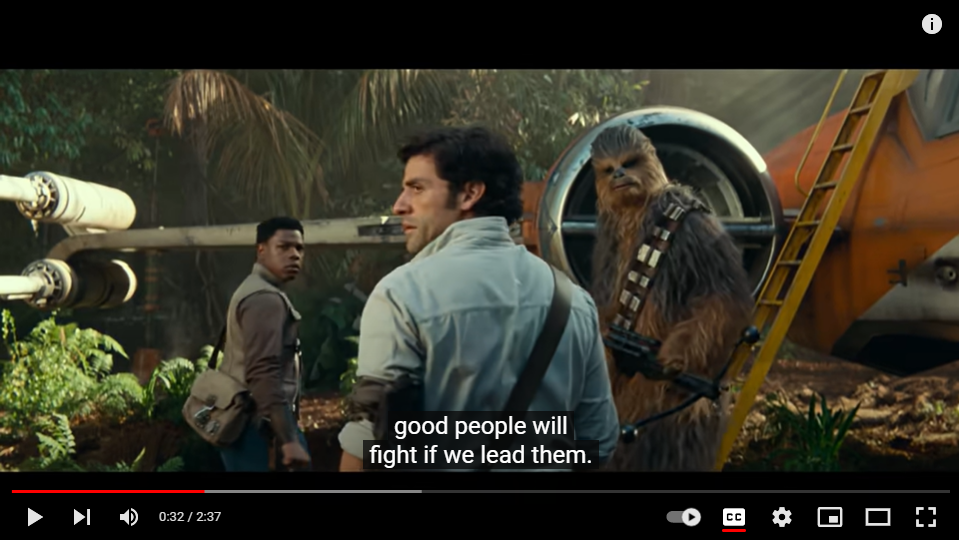
Captioning can be an effective communication tool for Deaf and hard-of-hearing employees in both live and pre-recorded situations. In fact, the use of captions during large group settings, meetings, and trainings benefits everyone. Even those without any degree of hearing loss can appreciate this speech-to-text solution as another way to absorb information and understand content. In studies, the use of captions improved comprehension and memory of material regardless of hearing ability. CART (Communication Access Real Time) Captioning from Sorenson makes use of live captioning agents who produce high-quality, real-time captions with high accuracy and account for accents, terminology, and slang.

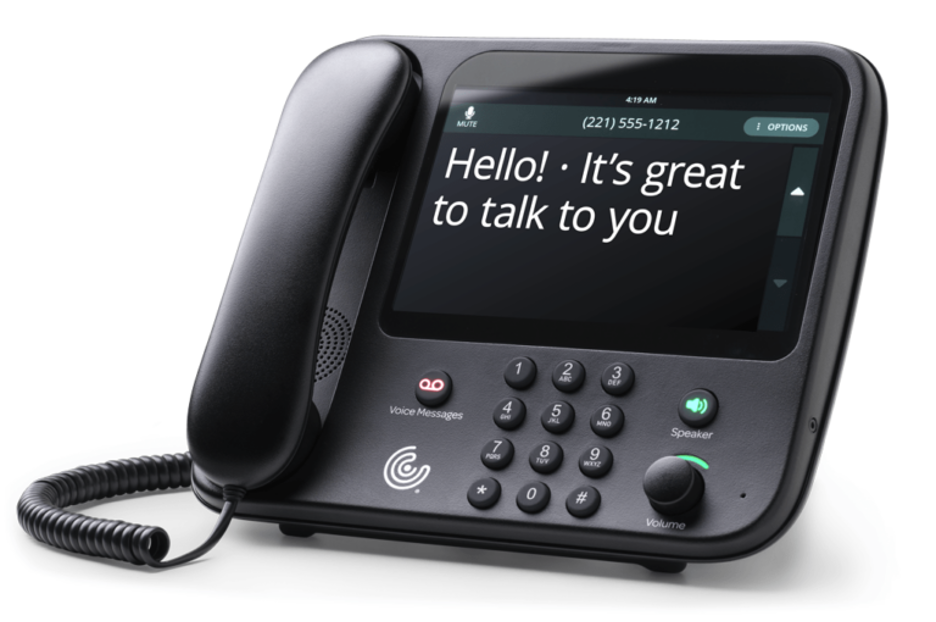
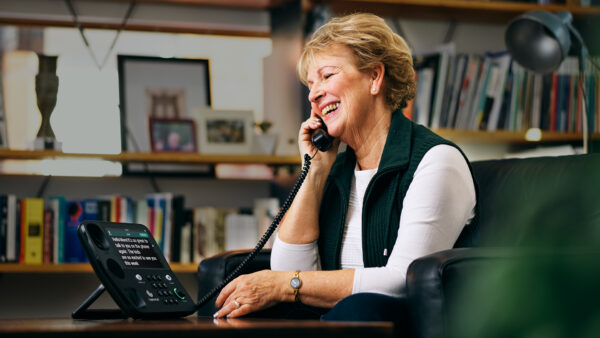
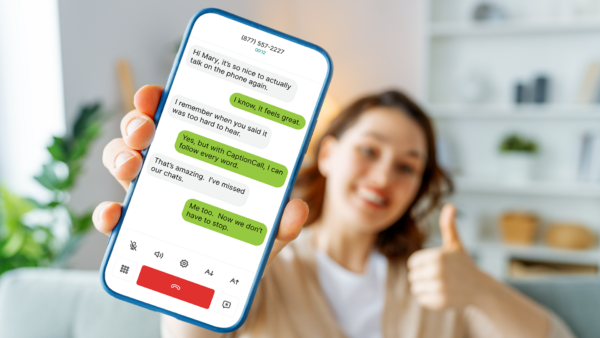
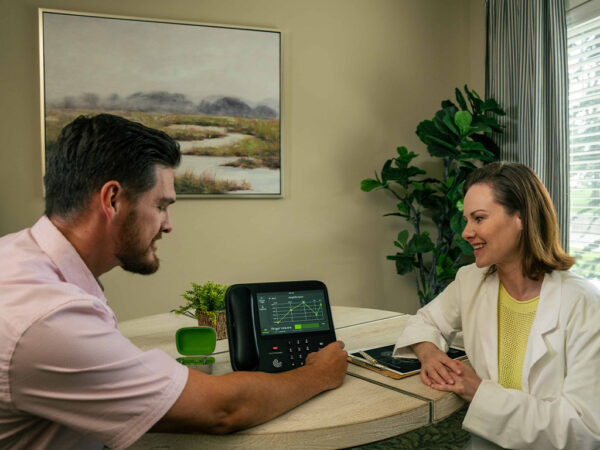
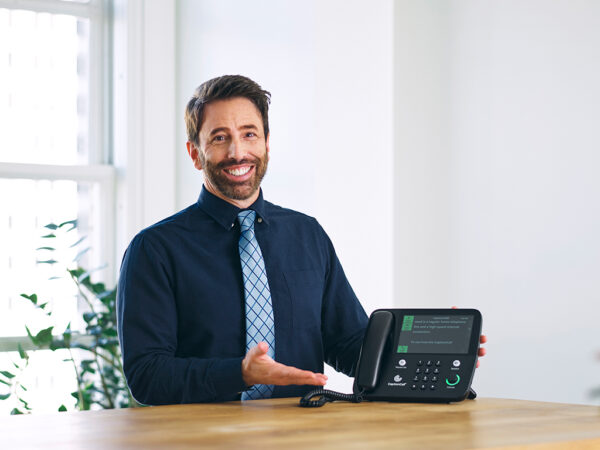
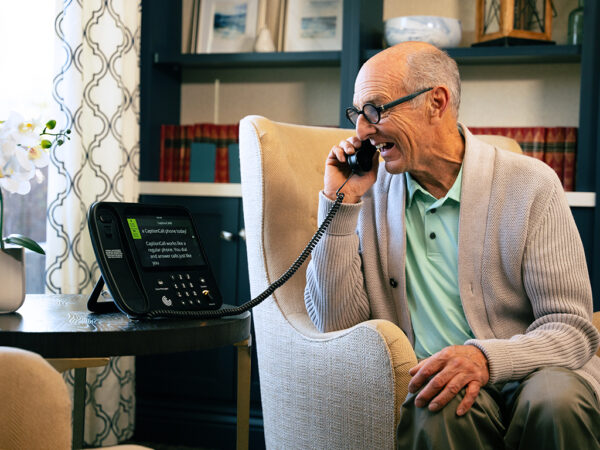
For roles where employees spend substantial amounts of time on the phone, CaptionCall and CaptionCall Mobile app by Sorenson are also options. These no-cost call captioning services help Deaf or hard-of-hearing individuals who prefer to voice for themselves but need captions of the other side of the call to confidently use the phone. CaptionCall transcribes phone conversations and displays them on a specially designed phone with a large touch screen. Alternatively, CaptionCall Mobile is a smartphone app that captions calls on a mobile phone. (Users must self-certify their need for captioned phone calls to use these FCC-funded services)

Written communications

While captioning is an excellent real-time solution for communications, providing written communications before or after meetings can also go a long way. Written transcripts, presentations, notes, or summaries of various company communications benefits hearing, hard-of-hearing, and deaf employees alike.

Digital communications

Effective communication among deaf and hearing employees is literally at your fingertips. Texting, instant messages, and email are quick, efficient ways to get work done. A variety of messaging options, such as Slack and Microsoft Teams chat, can engage all employees.

Another digital option for written communications is the Sorenson BuzzCards app, which lets anyone write an easy-to-read note on the fly. Available in the App Store and Google Play, the app works like a deck of flashcards. You type the message and show it to the person with whom you are communicating. You can even save cards for future use with the messages you use the most. BuzzCards are a friendly, informal way for employees and customers to share quick messages.

How to implement new strategies after hiring a deaf employee

Man and woman in office setting smile and shake hands.

Once you’re familiar with the many communication options available, put them to work during your first meeting with a Deaf or hard-of-hearing individual. Then, continue to build comfort levels, iterate, and improve where necessary.

Find a shared comfort level

When hiring a deaf employee, don’t assume what they need. It’s acceptable, respectful, and easy to ask about their preferred methods of communication. Since everyone is different, individuals can have varying needs and preferences. As part of onboarding, consider discussing the most effective options for company-wide meetings, team updates, colleague interactions, employee reviews, and individual workspaces. Create a straightforward process for requesting alternative communication solutions as other occasions arise. The more you communicate up front, the better workplace communications will be over time.

Make accommodations for deaf employees right away

Schedule an on-site interpreter, use Video Remote Interpreting (VRI) Services, or plan for their preferred communication starting on a deaf employee’s first day. It will show the character of your work culture and make your new employee feel more welcome, as well as help the whole team effectively communicate. Additionally, they will experience smoother onboarding as they easily absorb new-hire information in a way that works for them.

Engage everyone

Don’t think that the HR department is the only party in the company involved with accommodations for deaf employment. Make a point of explaining and embracing new communication efforts throughout the company. You might try engaging hearing employees for additional deaf employment support. Consider internal sign language classes, inviting mentorships between Deaf and hearing individuals, and providing communication tips and free apps to talk with co-workers.

Some tips to share company-wide for making communication between deaf and hearing colleagues smoother include:

  • Recording meetings. It can be difficult for deaf employees to take notes while watching an interpreter or reading captions. Even if they’re not taking notes, it’s still possible for them to miss phrases or expressions in conversation. Having a recording they can refer to is likely to be helpful for your deaf and hearing team members alike.
  • Raising hands before speaking. This allows interpreters to switch narrations and allow users to easily identify who is speaking.
  • Turning cameras on during virtual meetings. A deaf employee that can lip read will appreciate seeing everyone on camera. Those who can’t lip read can still pick up social cues through facial expressions.

A more inclusive workplace with deaf employment support

Beyond hiring, employers should implement practices that encourage and uplift persons with disabilities, including Deaf and hard-of-hearing individuals. As the worldwide leader of inclusive technologies for deaf and hearing connection, Sorenson makes it easy for your business to get started.  Supporting your team with inclusive communication can make an enormous difference in their daily lives — regardless of the language they use. Sorenson taps into the power of language to remove barriers and allow diverse human relationships to thrive.

Captioning in Education: Benefits of Next Generation Captioning Solutions in Learning Environments

Diverse group of students around study table in library variously sharing notes and reading.
Captioning is a workhorse in education, creating a more accessible learning environment for a broad swath of students, faculty, and community; that’s why many colleges and universities have offered students closed captioning and real-time captioning for years. Today’s captioning options expand on the capabilities of earlier tools to enhance access to educational content for students with a variety of needs — including linguistically diverse, Deaf, hard-of-hearing, and neurodivergent students, and those with learning disabilities.

Accessibility and inclusion in higher education

College enrollment is on the rise again after dwindling numbers for more than a decade. Undergraduate enrollment rose in both semesters of the 2023–2024 academic year, increasing by 2.5% in spring 2024.1 And researchers expect that trend to continue through the end of the decade, at least, projecting an overall eight percent increase in postsecondary enrollment from 2020 to 2030.2

The shift in enrollment is not uniform across demographics:

  • International student enrollment in the U.S. surpassed 1.1 million in the 2023–2024 academic year — the highest number in history. International students comprised nearly six percent of total enrollment, another record high.3 Six percent of international students (about 68-thousand) were in an Intensive English Program (IEP) in 2023 to sharpen their English language skills before beginning their academic studies.4
  • Hispanic students made up 18% of U.S. undergrads in fall of 2023 — an 87% increase in their numbers from 2000 — and the National Center for Education Statistics projects a 21% increase in Hispanic college enrollment from 2020 to 2030.2,5,6
  • The National Center for Education Statistics (NCES) indicates that approximately 21% of undergraduates reported a disability for the 2019–2020 academic year, up from just 6% in 1995–1996.7,8 And those numbers may be an underestimate because roughly two thirds of undergraduate students with disabilities say they do not inform their school of their disability.9
  • About one in five college students (19%) now has some degree of hearing loss that can affect their ability to catch important information in class and may impact their comprehension and memory.10
  • Diagnosis and identification of neurodiversity has risen significantly, affecting both students and faculty. In a 2022 American College Health Association survey, 15% of students reported having ADD or ADHD, another three percent were autistic, and five percent said they had a learning disability.11

These changes present benefits to institutions in tuition income as well as building a strong learning environment if schools embrace the shift. The makeup of today’s higher education population underscores the urgent need for institutions to prioritize accessibility for a wide range of students with varying needs.

Language accessibility solutions can address educational challenges for diverse student needs. Captioning, to a large degree, has leveled the playing field for a variety of students with different learning styles and preferences.

Benefits of captioning in education

Communication access needs overlap across diverse student groups, and captioning is a solution that’s proven to be an asset for a wide range of users.

Traditionally, captions have been an assistive tool for Deaf and hard-of-hearing communities, but nowadays they’re a mainstay people have come to expect. A highly cited 2019 study by Verizon Media and Publicis Media found 80% of people who prefer using captions are not Deaf or hard-of-hearing; they like them for convenience and the impact on how they process content.
Here’s how captioning benefits translate in education:

  • Comprehension: Captions can significantly improve comprehension of material for non-native English speakers, Deaf and hard-of-hearing students, and visual learners — with tangible results. In a study comparing university students with and without use of captions for the same presentation, those using captions scored more than 16% higher on a listening comprehension test.12 Researchers repeatedly find improvements in comprehension for English language learners in particular with the use of captioning.13
  • Retention and Focus: In an Oregon State University study, 63% of students said captions help them retain information, and 14.6% reported improved retention from captioned video when studying.14 This mirrors other studies that show use of captions improves short- and long-term retention of information and counteracted distractions in noisy environments.15 Among students who used captions, 65% said it helped them focus.
  • Performance:Using captions in classes and the transcripts for studying has noticeable impacts on academic achievement. The improvements in focus, comprehension, and retention — combined with using captioning transcripts to study — show up in test scores. In a study at the University of South Florida St. Petersburg, students who used captioning averaged seven percent higher scores than students without captions for the same course.16

In addition to collecting quantitative data, that University of South Florida study asked students for feedback on using captioning for class. Their responses, in summary, were that captioning improved attention, language processing, reinforcement of previous knowledge, and deeper understanding of the material.

Captioning technology advancements

Captioning has come a long way from its mainstream origins. It’s been more than half a century since the first nationally broadcast open captioned show in the U.S. (The French Chef on PBS in 1972), followed by closed captioning for television in the early 1980s. This laid the foundation for its spread into entertainment and educational media.

Technological advancements in captioning over the past several decades have made captioning in higher education more flexible, more accessible, and more affordable.

When Communication Access Realtime Translation (CART) expanded from court captioning services to include Deaf and hard-of-hearing individuals in various public spaces (including education), CART became pivotal for Deaf and hard-of-hearing communities due to its high accuracy in real-time translation. Traditional CART requires a professional captioning agent and specialized equipment to produce live captions.

Then came Automatic Speech Recognition (ASR) technology, which produces quick and affordable real-time captioning, but with lower accuracy rates. Its deep learning algorithms process and recognize speech in real time that enables immediate transcription and responses.

With the introduction of multilingual ASR, capable of supporting a variety of spoken languages and dialects, instantaneous captioning became accessible to linguistically diverse audiences.

Recent breakthroughs in AI are improving language technology and multilingual translation at a lower cost than CART. It’s making ASR more accurate, faster, and able to simultaneously translate captioning into dozens of languages. The result is Sorenson Forum, an AI speech translation and captioning service that provides real-time translation in 25 languages and 45 dialects for in-person, virtual, or hybrid use.

The next generation in live captioning

We’ve established that captions can make a world of difference in comprehension and retention of information. Now consider the impact of linguistically diverse audiences being able to get real-time captioning in their preferred languages: for students, for the public attending events on campus, for faculty participating in international engagements.

The rising number of international students in U.S. institutions presents an obvious use case for Sorenson Forum’s real-time translation and captioning capabilities.

While non-native English-speaking students likely have adequate English proficiency to read, write, and casually converse in English, they may miss critical words in fast-paced lectures. Research shows even English captions help significantly, and now students can choose their primary language to immediately improve comprehension.

Imagine a non-native English speaker from China listening to a fast-talking, English-speaking computer science professor rattling off information about algorithms and data structure. They may understand the concepts, but their brain has to work twice as hard to process the language at the same time. Using Sorenson Forum, they can caption the lecture — in English, Mandarin, or Cantonese — and even opt for audio output through ear pods in their chosen language. The service also provides a shareable transcript in every language users selected during the session.

Sorenson Forum's audio output adds another layer of accessibility for linguistically diverse audience members who are Blind or low-vision. And unlike many other ASR solutions, Sorenson Forum includes two-way functionality, so audience members and presenters can interact in their preferred languages.

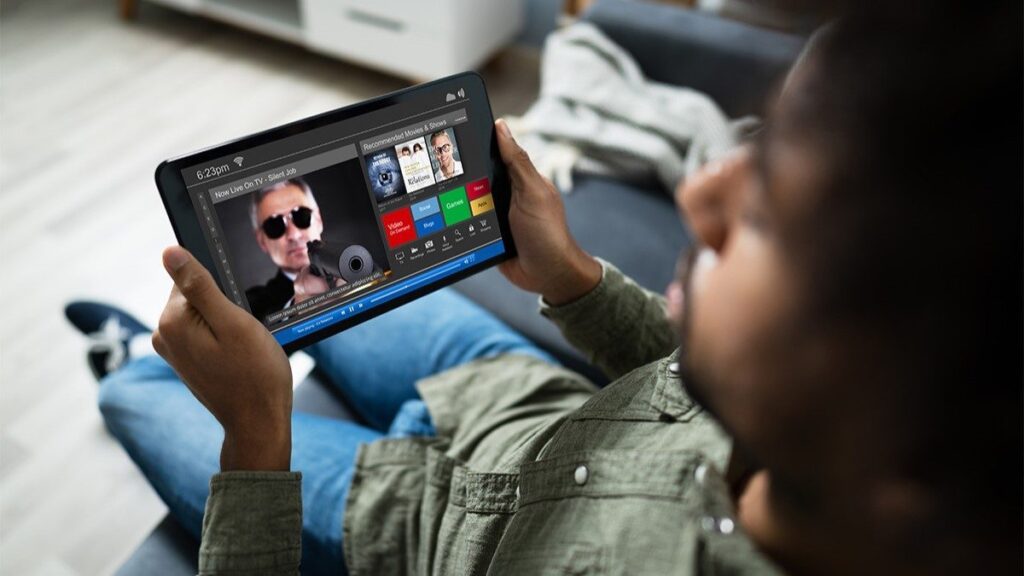
Traditional captioning and translation services require special equipment, but Sorenson Forum offers a user-friendly, app-based experience, allowing each student to access personalized language support on their own device — a smartphone, laptop, or tablet. It simplifies logistics and lowers costs to make everyday captioning and translation convenient and accessible.

Innovative language solutions: an educational differentiator

Even as enrollment numbers tick back up at colleges and universities across the U.S., institutions are still competing for those students and the tuition dollars that allow schools to preserve and enhance academic programs. Innovative technologies that improve the student experience and increase accessibility are a selling point, particularly for fast-growing demographics in higher education: international students, Hispanic students, neurodiverse students, and students with disabilities.

Captioning is a proven asset in higher education, with study after study showing the benefits of captioning in comprehension and retention of information.

Now, with the addition of real-time translation, audio output, two-way functionality, and the speed and improved accuracy of advanced AI processing, colleges and universities can combine accessibility — for linguistically diverse, Deaf and hard-of-hearing, and neurodiverse students — with better overall student performance to increase enrollment and expand opportunities for students, faculty, and the community, all while spending less than it costs to provide traditional CART services.

Our team would be happy to discuss how Sorenson Forum fits into your accessibility strategy.

Sources

  1. Current Term Enrollment Estimates: Fall 2024
  2. Projections of Education Statistics to 2030
  3. Enrollment Trends
  4. IEP Student Enrollment Trend
  5. College Enrollment Trends and Statistics: 2024-2025
  6. Hispanic enrollment reaches new high at four-year colleges in the U.S., but affordability remains an obstacle
  7. Students with disabilities
  8. Students With Disabilities in Postsecondary Education: A Profile of Preparation, Participation, and Outcomes
  9. Use of Supports Among Students With Disabilities and Special Needs in College
  10. Prevalence of hearing loss in college students: a meta-analysis
  11. Students With Disabilities in Higher Education: Facts and Statistics
  12. The impact of keyword and full video captioning on listening comprehension
  13. The impact of captioning and playback speed on listening comprehension of multilingual English learners at varying proficiency levels
  14. A Rising Tide: How Closed Captions Can Benefit All Students
  15. Text Captioning Buffers Against the Effects of Background Noise and Hearing Loss on Memory for Speech
  16. Closed Captioning Matters: Examining the Value of Closed Captions for All Students
This site is registered on wpml.org as a development site. Switch to a production site key to remove this banner.