


Skip to content


































-
VRS

-
CaptionCall
-
Enterprise
-
Provider
-
Resources
-
Company
Sorenson Uses Cookies
Cookies are small text files websites send to your browser to remember information about your visit. They make our site work properly and help with security. When you allow cookies, you will have the best experience on our site — you can use tools such as chatbot for support and access other relevant products and services.
Is Your Institution Actually Accessible? A Practical Checklist for Education Leaders
August 5, 2026
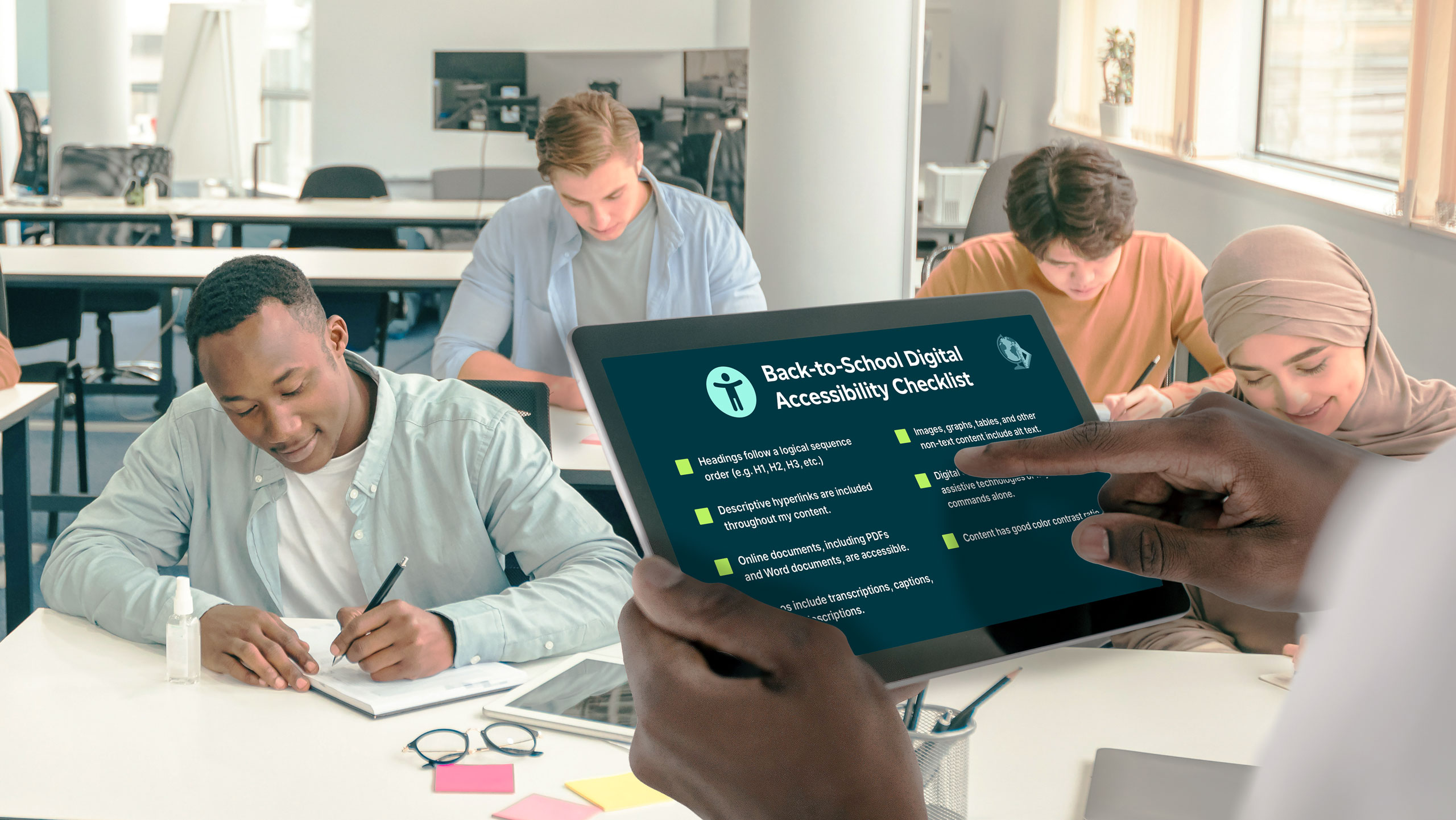 Most schools and colleges have some accessibility infrastructure in place. This checklist helps you find out where it holds up — and where students are falling through the gaps.
There’s a difference between being technically accessible and being reliably accessible. Most K–12 districts and higher education institutions have policies, tools, and some level of disability services in place. The question is whether access actually holds up when a student needs it — during a live class, at a campus event, in a spontaneous moment that can’t be planned around, or in a conversation between a teacher and a family who speaks a different language.
The institutions getting this right aren’t just meeting minimum obligations. They’re treating accessibility as infrastructure: something designed in, not bolted on.
The gap between a language access policy and a language access system is where students get lost. This checklist helps you find where that gap exists at your institution.
Most schools and colleges have some accessibility infrastructure in place. This checklist helps you find out where it holds up — and where students are falling through the gaps.
There’s a difference between being technically accessible and being reliably accessible. Most K–12 districts and higher education institutions have policies, tools, and some level of disability services in place. The question is whether access actually holds up when a student needs it — during a live class, at a campus event, in a spontaneous moment that can’t be planned around, or in a conversation between a teacher and a family who speaks a different language.
The institutions getting this right aren’t just meeting minimum obligations. They’re treating accessibility as infrastructure: something designed in, not bolted on.
The gap between a language access policy and a language access system is where students get lost. This checklist helps you find where that gap exists at your institution.
1. Live instruction access
This is where reactive accessibility models fail most visibly. Gaps here affect students in real time with no ability to recover the missed moment.- Captions and speech translation are available for all live sessions, not just recorded content.
- ASL interpreting is scheduled in advance for Deaf students — not arranged on request after a need arises.
- Interpreting and captioning are coordinated for hybrid sessions where in-person and remote students are present simultaneously.
- Room setup is considered when live interpretation is in use. A darkened room for a video presentation makes a visible interpreter inaccessible.
- Faculty know what to do when a live accessibility tool fails mid-class.
2. Campus events and non-classroom moments
Orientation, assemblies, commencement, guest lectures, parent meetings — these are often where access breaks down entirely.- Live captions and real-time speech translation are available by default at large events — supporting attendees who are hard of hearing, multilingual attendees following along in their preferred language on their own device, and anyone who benefits from captions when a speaker has a heavy accent or speaks quickly.
- Your institution has a standing process for arranging American Sign Language (ASL) interpreting at events — not a reactive one triggered only by individual requests.
- Accessibility information is included in event communications, so attendees know what’s available before they arrive.
- A coverage protocol exists for spontaneous or unplanned events, including on-demand interpreting when scheduled interpreters aren’t available.
3. Family and community language access
For many districts and institutions, the language needs of families are as significant as those of students. Gaps here affect enrollment, trust, and family engagement.- You have identified which languages are used by students, families, and staff using enrollment data, HR data, or surveys.
- Translated materials are available for key communications: enrollment documents, emergency notifications, academic progress reports.
- Family-facing events are supported with live interpretation, not just translated handouts distributed after the fact.
- Families have a clear, accessible way to request language support without navigating multiple departments or repeating their needs each year.
- You have gathered feedback from families about whether current communication approaches are actually working for them.
4. Technology and procurement
Inaccessible tools are often purchased before accessibility is evaluated. By then, retrofitting is significantly more expensive than designing it in from the start.- Accessibility requirements are part of your technology procurement criteria, not evaluated after purchase.
- Your LMS, video platform, and communication tools have been reviewed for accessibility compliance.
- Your captioning and translation solution supports custom glossaries — ensuring accuracy for specialized academic vocabulary, department and program names, and faculty and student names that generic AI models may not recognize out of the box.
- Your platforms support multilingual features or real-time translation for linguistically diverse students and families.
- There is a process for flagging inaccessible tools adopted independently by faculty or staff.
5. Faculty and staff clarity
Even well-designed systems fail when the people using them don’t have clear expectations or support.- Faculty have specific written guidelines for accessibility in their courses, not just a general institutional policy.
- There is a clear process for students to request access support that doesn’t require re-explaining their needs each term.
- Disability services staff are not the sole point of contact for all accessibility issues. Other departments know their role.
- New faculty receive accessibility orientation as part of onboarding, not as a remediation step after a complaint.
- Faculty and staff feel supported in raising language or accessibility concerns and are not relying on unauthorized tools to fill gaps.
6. The ASL vs. captions distinction
Institutions that treat captions as a universal accessibility solution are likely under-serving their Deaf students.- Your institution recognizes that captions and ASL interpreting are not interchangeable. For Deaf students whose primary language is ASL, captions are not an equivalent substitute.
- ASL interpreting is available for live, interactive settings, and for recorded or asynchronous content.
- Deaf students are not asked to choose between seeing an interpreter and seeing a screen due to room setup or lighting decisions.
- Interpreting services are provided by qualified professionals with relevant subject matter preparation for the context they’re supporting.
7. Compliance vs. participation
Compliance means you’ve met a minimum threshold. Participation means students can actually engage. They’re not the same thing, and your students know the difference.- Your institution has a definition of ‘accessible’ that goes beyond legal compliance to include reliable, real-time participation.
- You track student engagement and participation data in a way that can surface accessibility gaps, not just accommodation request volume.
- Accessibility is reviewed regularly as a systems question, not only when a complaint is filed.
- Leadership — not just disability services — has visibility into accessibility performance and treats it as an institutional priority.
- Your institution has a plan for how accessibility needs will evolve as enrollment demographics, program offerings, and technology change over the next 1–3 years.

