




































Connect with Parents and Students with Sorenson VRS
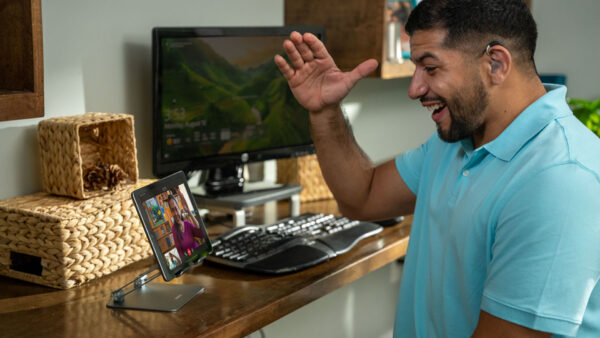
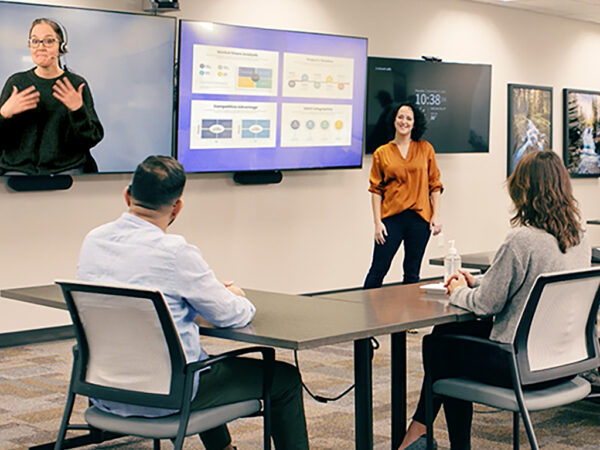
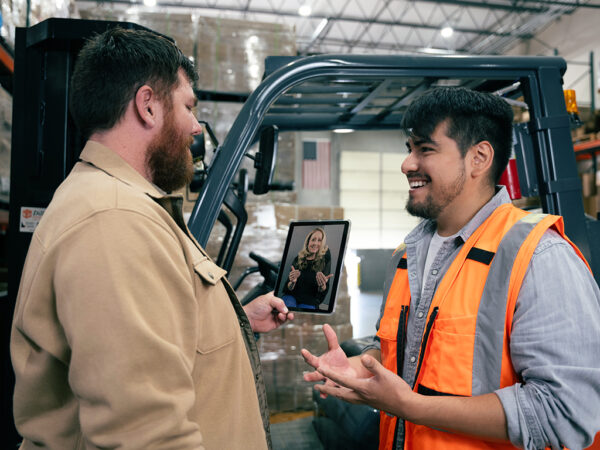
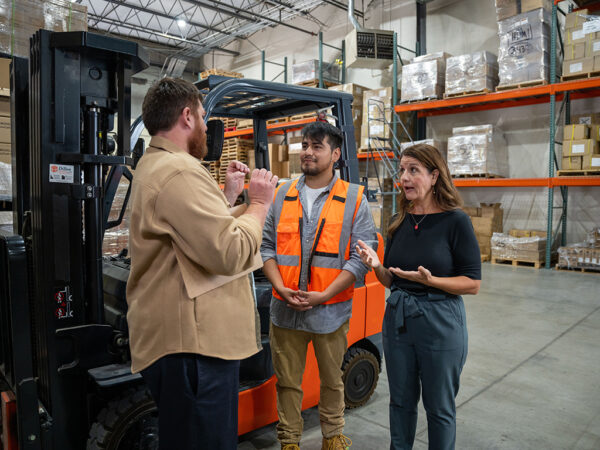
Discuss a student with their parents in English or Spanish, answer student questions, and attend that Zoom meeting on one screen, all with Sorenson VRS.
Top features tailored for you
You get these features and many more with products and services from Sorenson VRS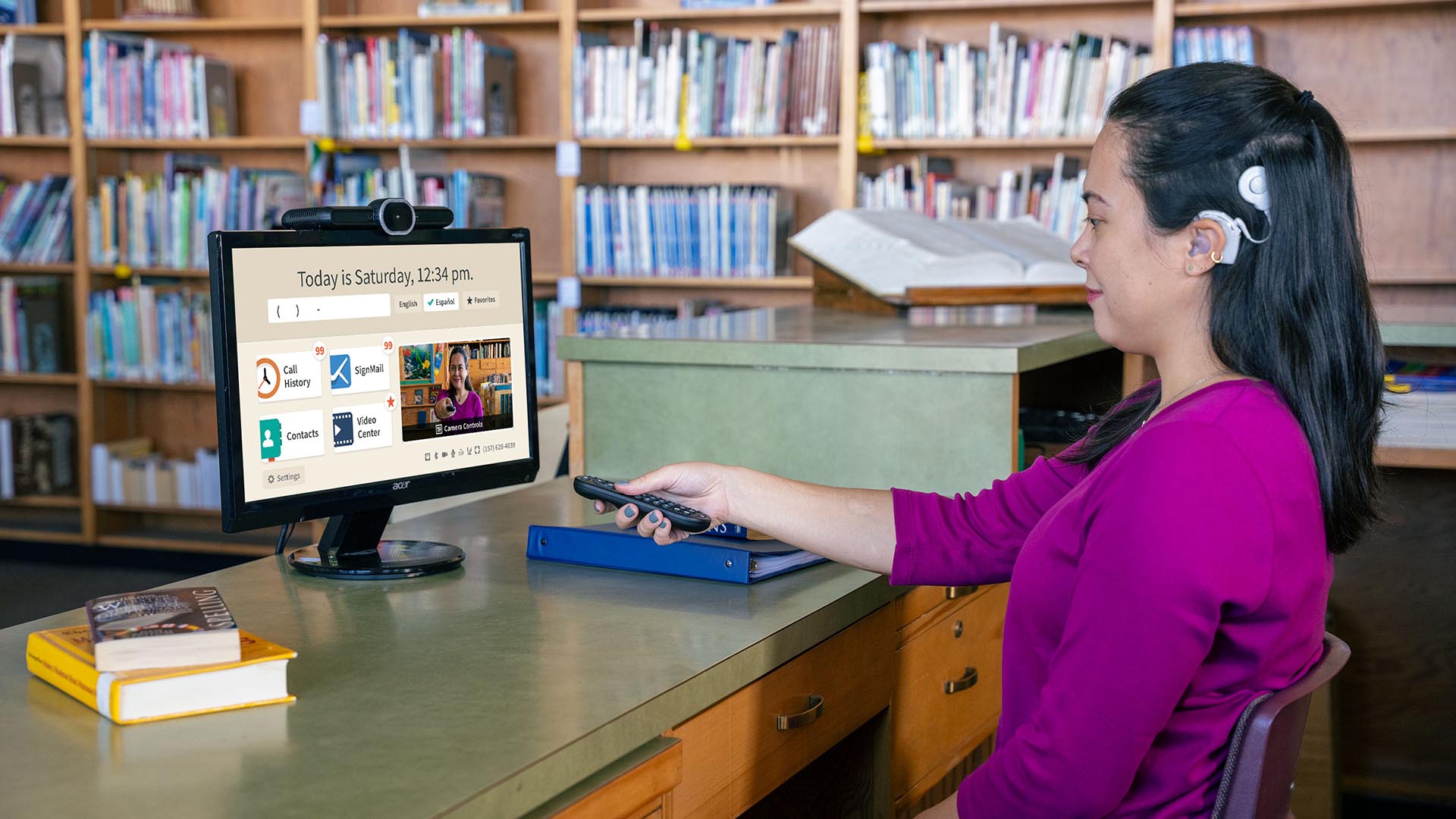
Personal SignMail greeting
Don’t want the default greeting? Customize your “answering machine” with your own message using video only, text only, or both.Group call
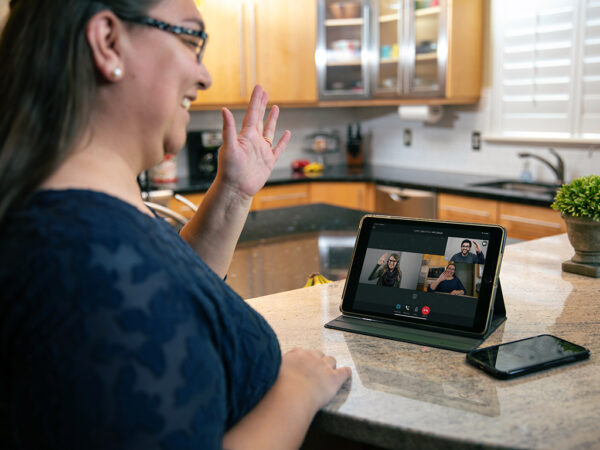
Call up to nine (9) people who have Sorenson devices and see everyone on the screen together!Spanish VRS
Need to communicate with someone who speaks Spanish? Try Sorenson’s Spanish VRS.Corporate directory
Get a custom directory of your school’s Deaf staff added to your videophone Contacts list.VRS announce
Select one of three custom greeting messages that include your name or organization name for callers when they reach you.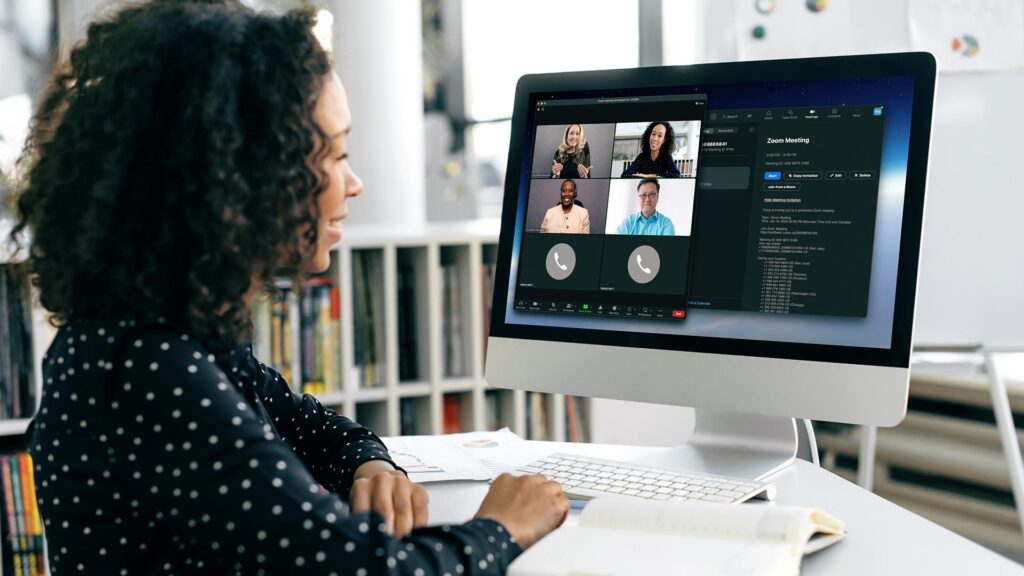
Sorenson VRS for Zoom
Invite a Sorenson VRS interpreter to your Zoom meeting using our web form, available for both hosts and participants.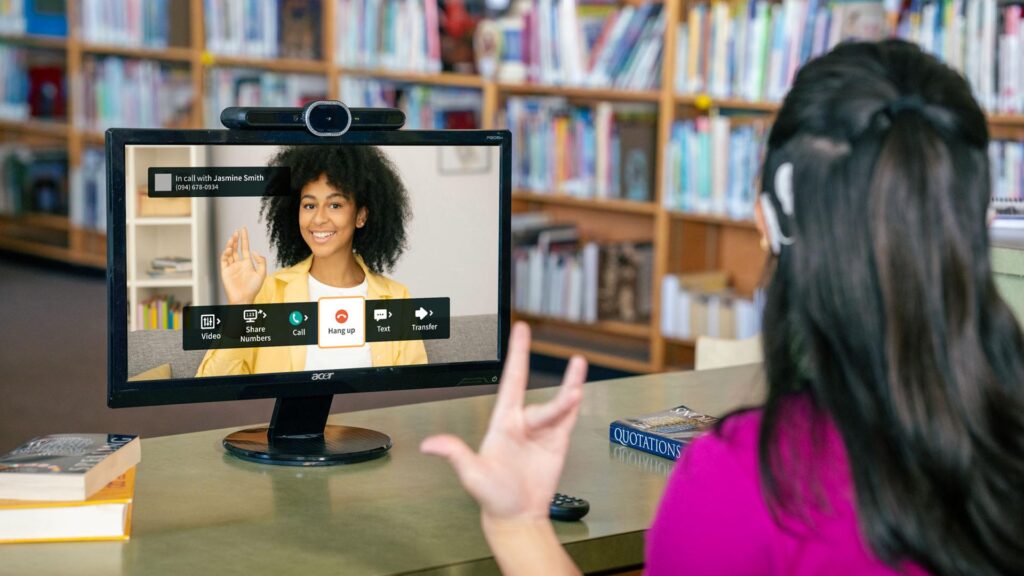
Lumina VP for your classroom/office
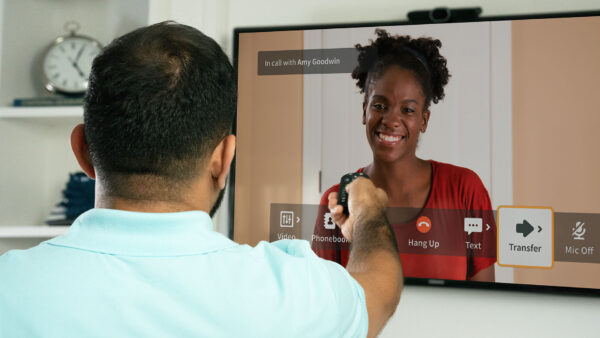
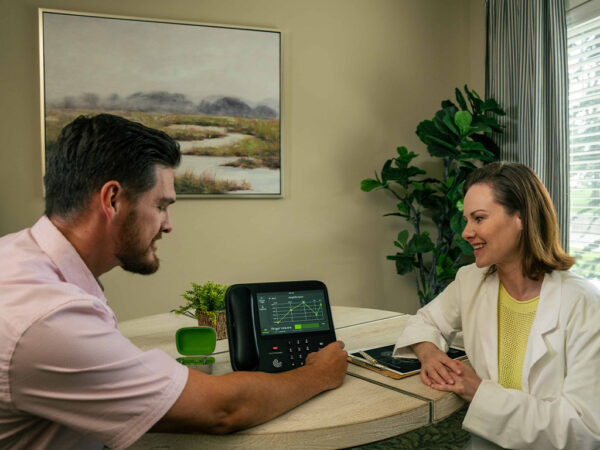
Chat with others in exceptional resolution and customized to your preferences on the latest Sorenson VP — made for deaf users, by deaf users.
Sorenson VRS for spanish speakers
Do you need to communicate with someone who prefers to speak Spanish? Try Sorenson’s Spanish VRS service.Request a demo
If you’re considering VRS for school, our team would be happy to present a demonstration of our products to students at no extra cost.
How to use Video Relay Service
Basic usage of Video Relay Service between Deaf and hearing is simple: Dial the phone number and you will be automatically connected to an interpreter who connects you to the other person and interprets the call. The below PDF has some tips for helping the call go smoothly.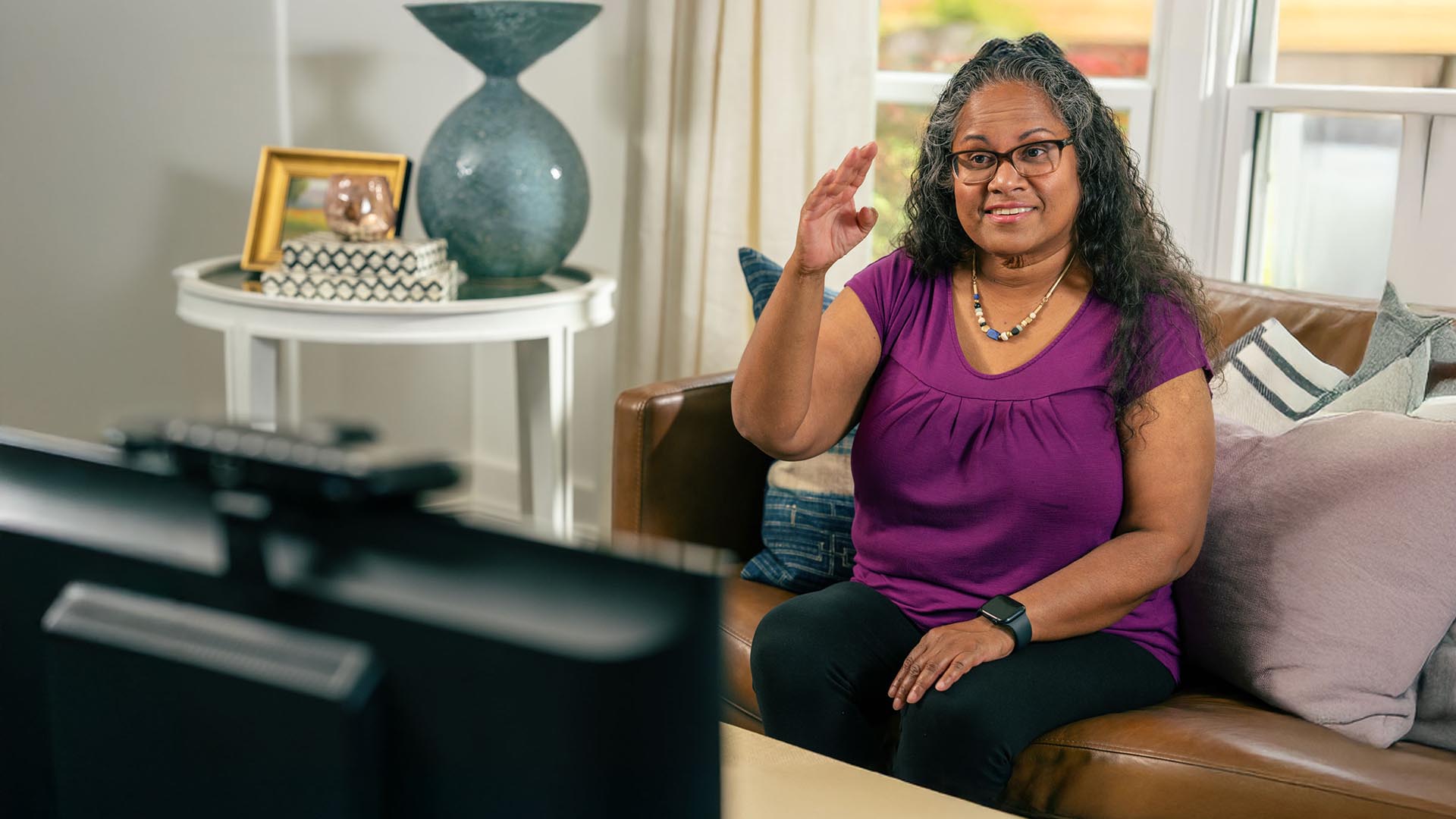

On-Site Interpreting Services
Include everyone with Sorenson’s in-person ASL interpreting services. Certified interpreters on site ensure clear, accurate communication.
Sorenson Express
Get an on-demand ASL interpreting solution for enterprise via mobile app or integrations for Microsoft Teams and Zoom.How-to videos


See how Wavello works
How to start a Wavello call
Sorenson VRS for Zoom
Lumina VP – Spanish VRS feature
ntouch Android – Spanish VRS feature
ntouch iOS – Spanish VRS feature
How to improve mobile VRS call experience
How to make a Spanish VRS call
How to use VRS to join a video meeting
Lumina VP - camera controls
Lumina VP - changing themes
Lumina VP - Spanish feature
Lumina VP - Spanish VRS feature
Making the best of VRS calls
ntouch Android - Spanish feature
ntouch Android - Spanish VRS feature
ntouch app - sending a SignMail message
ntouch iOS - Spanish feature
ntouch iOS - Spanish VRS feature
Sorenson VRS for Zoom
Sign up for VRS
Need to contact us about VRS? Complete this form or use the information shown here. If you need CaptionCall or Enterprise, click the tabs directly above.

Get Sorenson VRS today. Fill out the form to register for your new account or add Sorenson products.
You can also sign up by calling:

